 Petabyte Connect
One file.
Every network.
Petabyte Connect downloads one file over your Wi-Fi and your mobile data at the same time, so big files finish sooner. You decide how much mobile data it may use.
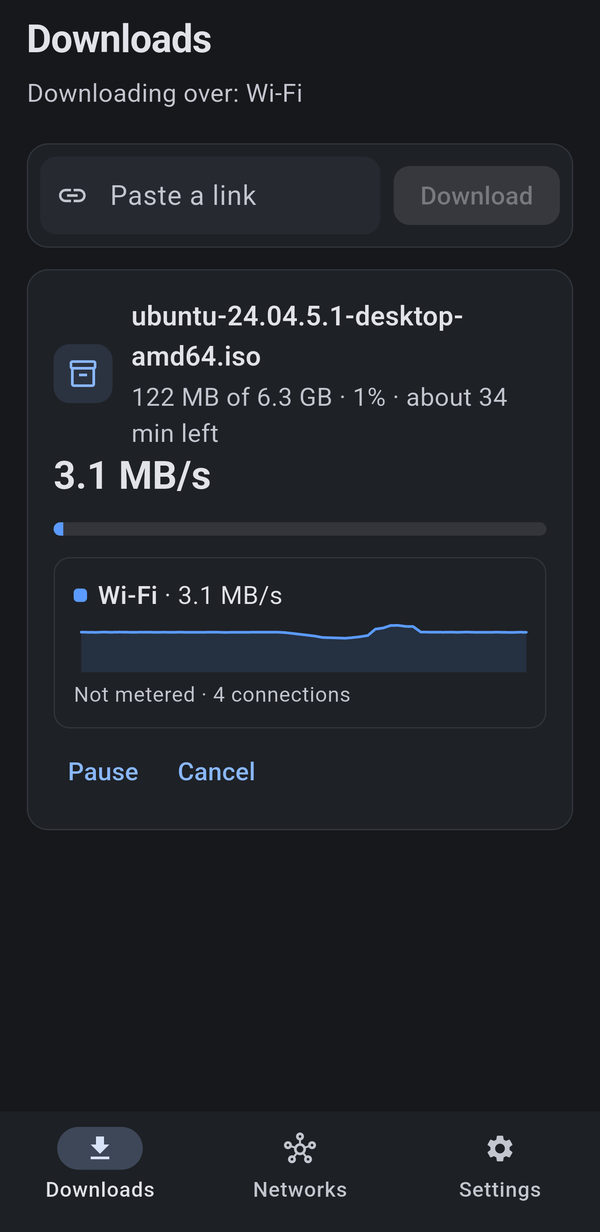
Three taps. Both networks.
Your phone can be on Wi-Fi and mobile data at the same moment. Most apps pick one. Petabyte Connect uses both.
Paste a link
Copy the web address of any big file, paste it in the app and tap Download.
It splits the file
The file is cut into pieces. Each network fetches its share, and the faster one simply takes more.
One finished file
The pieces join into the complete file, saved in the Files app under On My iPhone.
You stay in control
Built for people who pay for mobile data and don't want surprises.
Mobile-data limit
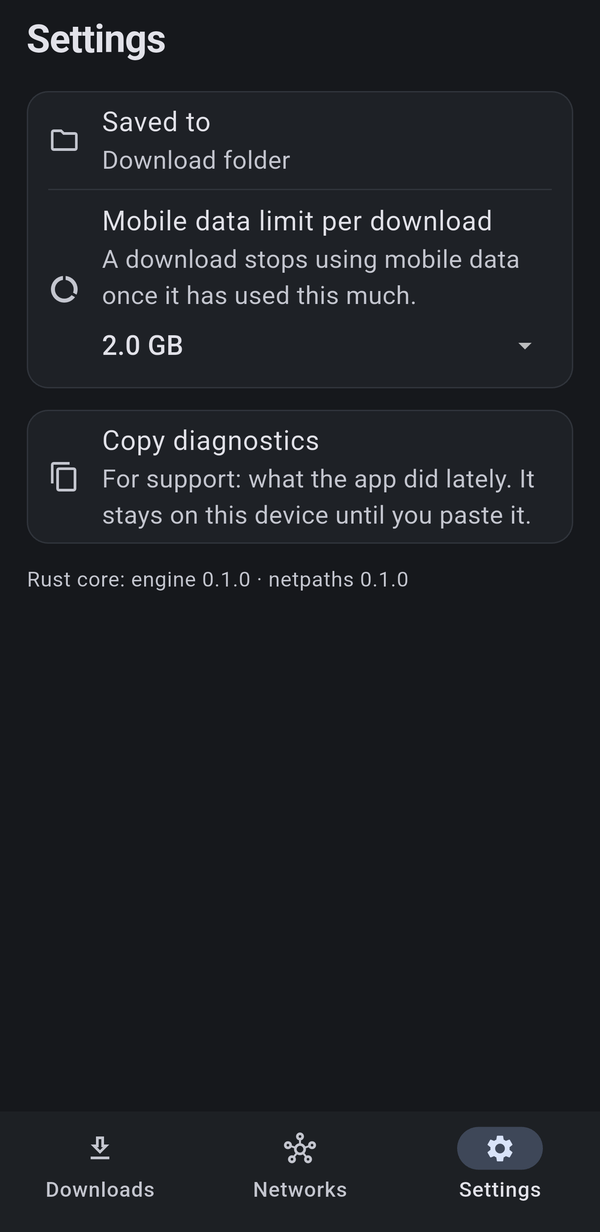
Set a limit per download. When it is reached, the app stops using mobile data and carries on over Wi-Fi.
Switch networks
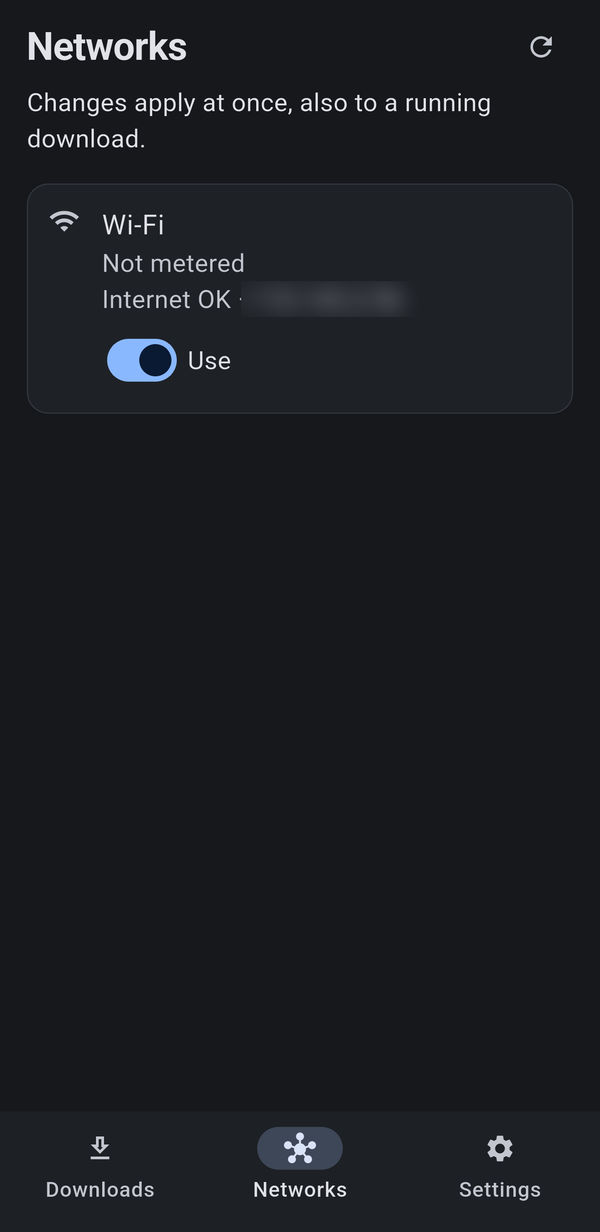
Turn any connection on or off with one tap, even while a download is running.
Live speed per network
See what Wi-Fi and mobile data each deliver, on their own graphs.
Pause and resume
Stop any time. Unfinished downloads pick up where they left off.
Survives changes
If a network drops or a new one appears, the download carries on with what is left or adds the new one.
Hotspot aware
A Personal Hotspot or a Low Data Mode network counts as mobile data, so your limit applies there too.
Simple on purpose
Three screens, nothing to set up.
We collect nothing
The app has no servers of ours to talk to. Your downloads go straight from the website to your iPhone.
- No account to create
- No ads and no tracking
- No analytics or crash reporting
- Nothing about your downloads is sent to us
Read the full Privacy Policy.
Good to know
Do I need both Wi-Fi and mobile data?
To combine them, yes: your iPhone must have a mobile plan with mobile data on, and be connected to Wi-Fi. With only one network the app works normally over that one.
Will it use up my mobile data?
Only as much as your limit allows. The default is 2 GB per download, and you can lower it, or switch the mobile network off completely.
Why is it not faster on some downloads?
Some websites limit the speed per connection or refuse to split a file. The app then downloads the file the normal way over a single network.
Where are my files?
In the Files app, under On My iPhone > Petabyte Connect.
How do I get help?
See the Support page or email hello@tekrise.app.